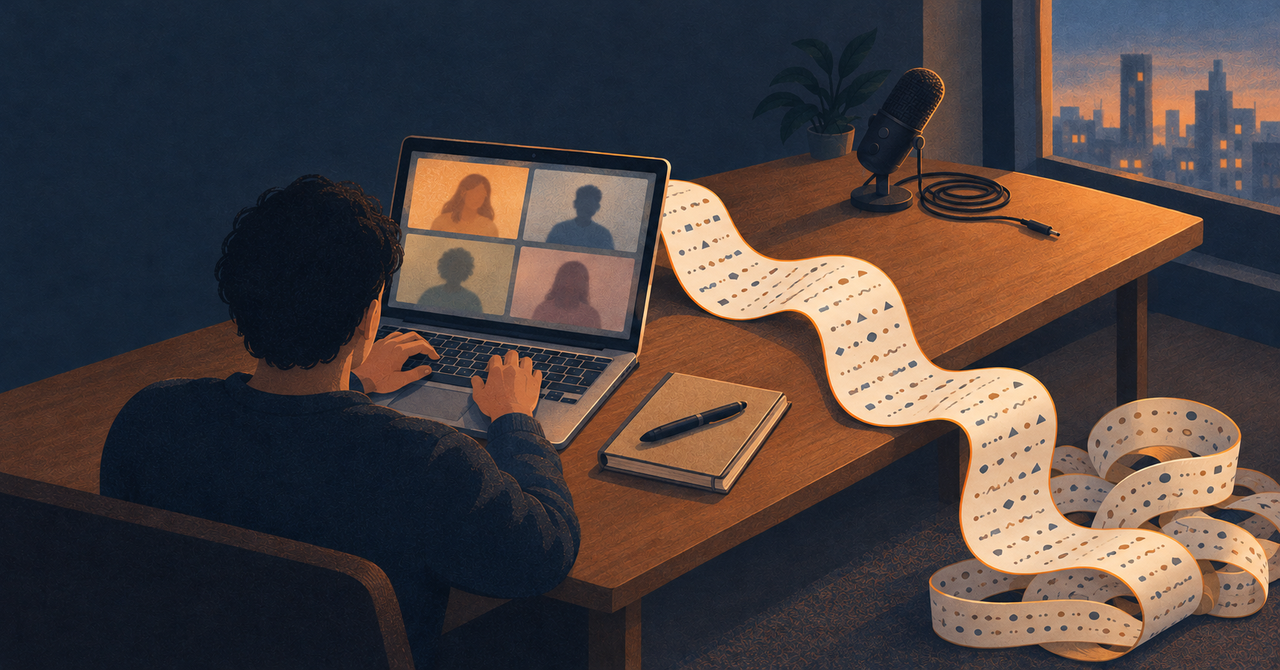
My CTO once spent two hours on a call walking me through a task. Most of what mattered wasn't in the ticket: how they wanted it done, and what they expected to see at the end.
Two hours is long enough that I knew I'd forget most of it. I also couldn't tell, while it was happening, which parts were worth writing down.
So I didn't try to write it all down. Wispr Flow was listening.
The app I installed for something else#
I'd installed Wispr Flow a few weeks earlier so I could talk to Claude Code instead of typing my prompts. Wispr's homepage puts keyboards at 45 words a minute and Flow at 220.
The dictation is good. I mostly stopped dictating anyway.
I work out what I mean while I'm typing a prompt. Speaking makes me commit to a sentence before I know where it's going.
What I kept was the notetaker Wispr added in August. It doesn't join the call as a bot. It listens through the mic and system audio, and at the end it hands you the decisions, the next steps and the full transcript. It replaced Granola for me.
From the call to Claude Code#
After that call, the transcript was sitting in my Obsidian vault as a markdown file. I pointed Claude Code at it and asked what my CTO actually wanted.
It pulled out the expectations nobody had written down, and what the finished work should look like. That was the list I couldn't have made during the call, and it came back in my CTO's words, not my memory of them.
Getting calls into the vault took some work. I forked an Obsidian plugin that reads the meetings Flow keeps on my Mac. The original synced zero meetings for me, because Flow holds your newest calls in a separate file until it gets round to filing them, and the plugin never looked there.
Wispr also has an MCP server that lets Claude Code read meetings directly. I have that connected too.
All of this means a two-hour work call now lives in Wispr's cloud. Notetaker transcripts are stored there, with no setting to opt out. A setting called "Improve the model for everyone" is on by default on Free and Pro and covers meetings, so I turned it off.
Spanish, Arabic and a flag#
Some of my calls have people switching into Spanish or Arabic, neither of which I speak. Wispr recently added translation to the notetaker, so now I can read what they're saying while they're saying it. It's been more accurate than I expected.
My funniest moment with Wispr is about languages too, and I don't come out of it looking great.
When I installed the Android app, it asked which languages I speak. Bangla had an Indian flag next to it.
Bangla is also spoken in India, but Bangladeshis are proud of it in a particular way. On 21 February 1952, students in Dhaka were shot dead protesting for Bangla to be recognised as a state language. That day is now International Mother Language Day.
So I did what any proud Bangladeshi would do. I emailed a software company about a flag.
I suggested they use ours, or both. They said they were looking into it. Within two weeks they wrote back, and I opened the app to see which flag had won.
They'd removed every flag.
I asked for one flag and got zero. It was a better fix than mine, and I loved it. A language doesn't belong to one country, and I probably shouldn't have asked for it to.
I still try to dictate. Seven times out of ten, my hand is on the keyboard before I've said a word.
The notetaker, though, is on for every call.
P.S. Pro is $15 a month, and the free plan is enough to try it. My referral link gets you 30 days of Pro and gets me a month too.